🎉 Open JSON File is installed! Pin it to your toolbar
Once it's pinned, one click opens a JSON file.
-
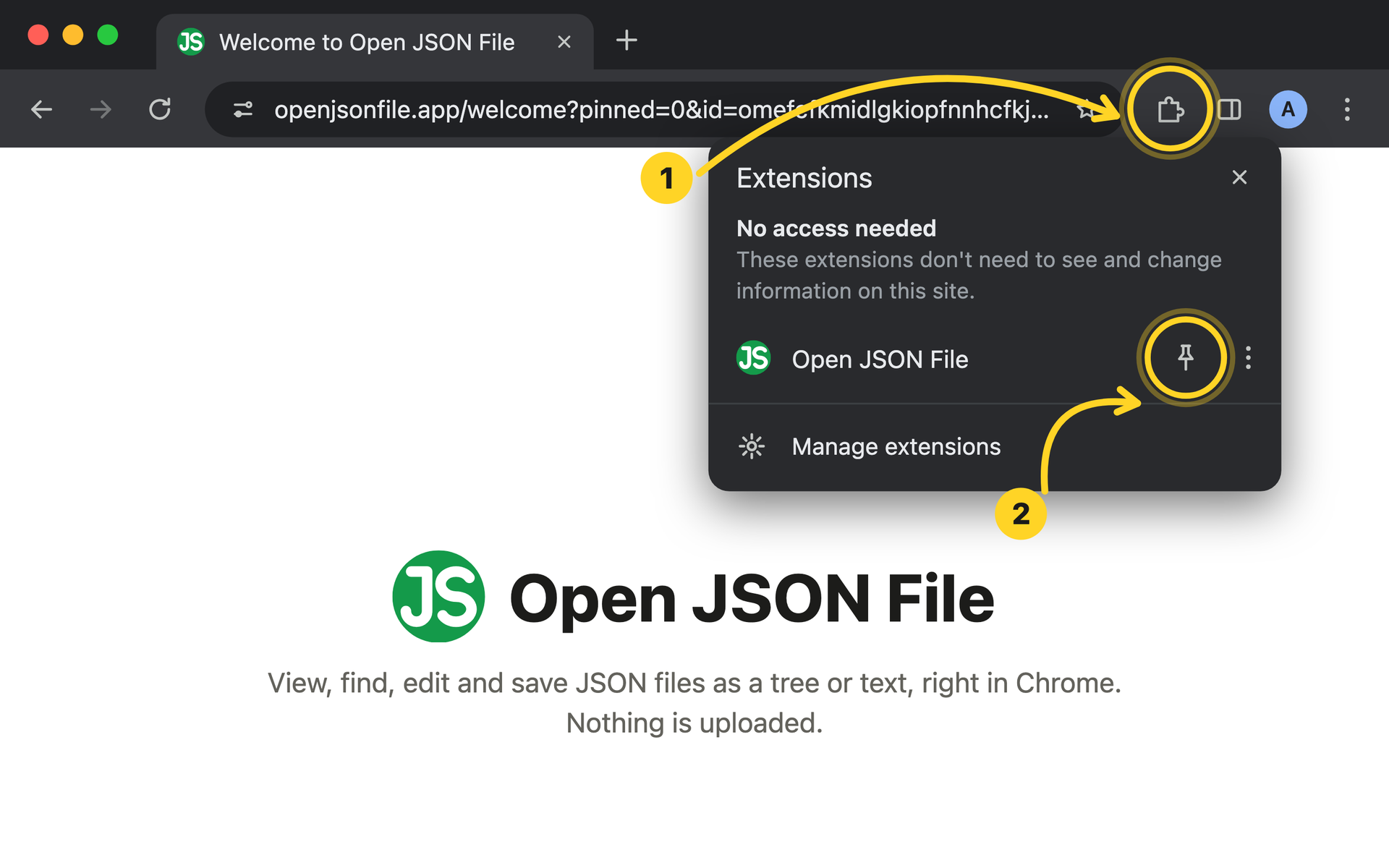
Click the puzzle piece on your Chrome toolbar.
Click the pin next to Open JSON File.
-
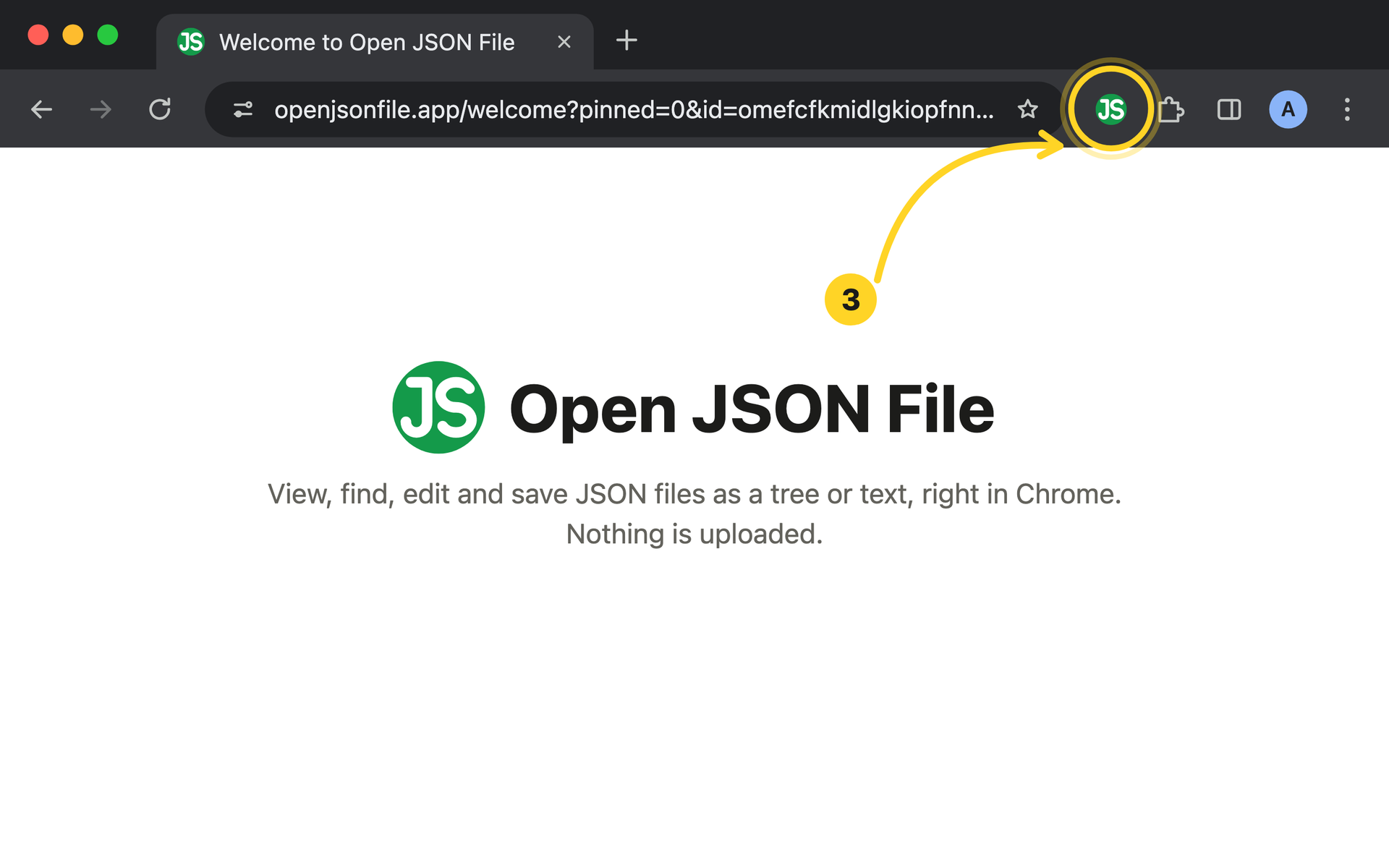
Click the Open JSON File icon to open a file.
🎉 You're all set! Open a JSON file in 4 steps
-
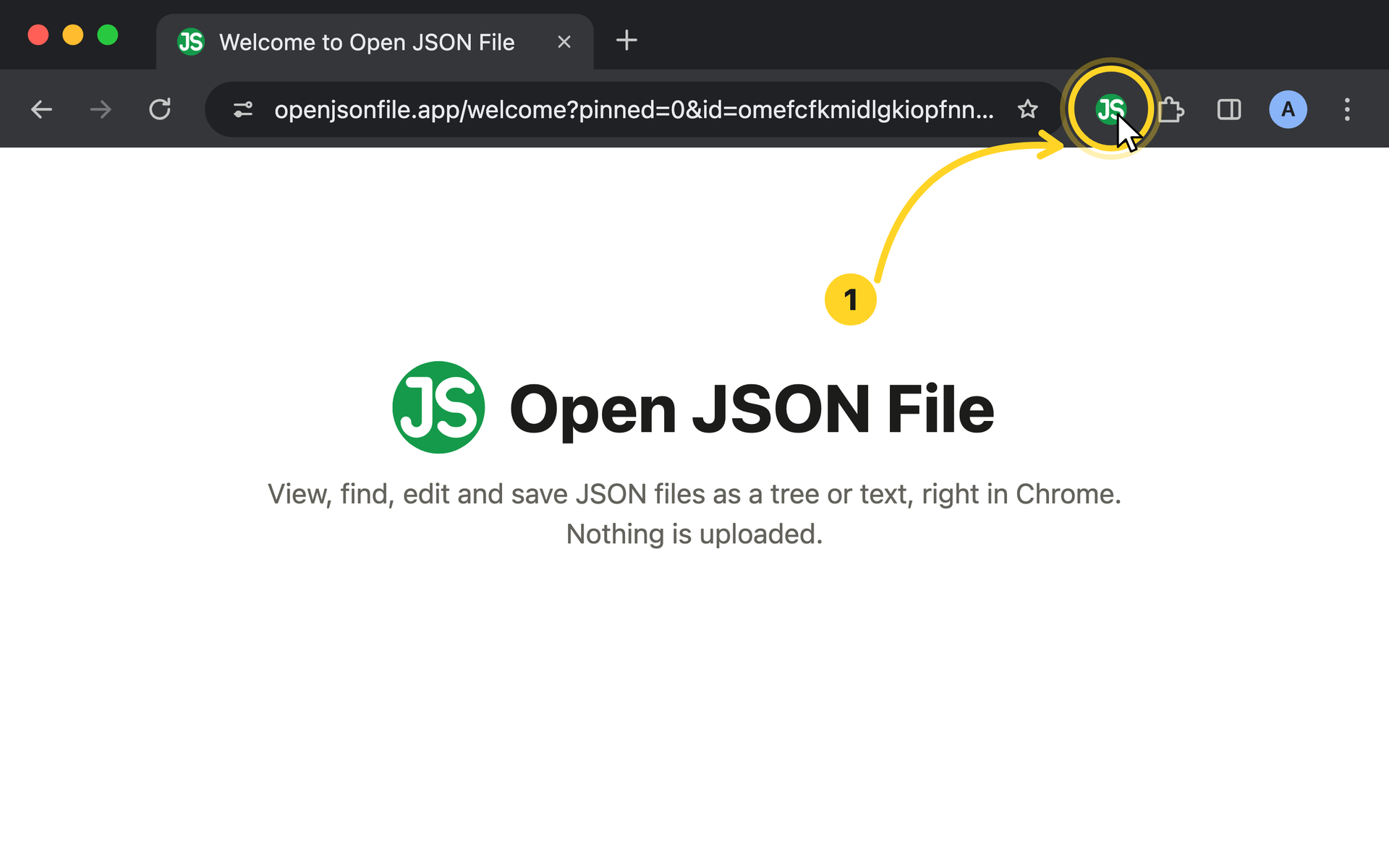
Click the Open JSON File icon on your toolbar.
-
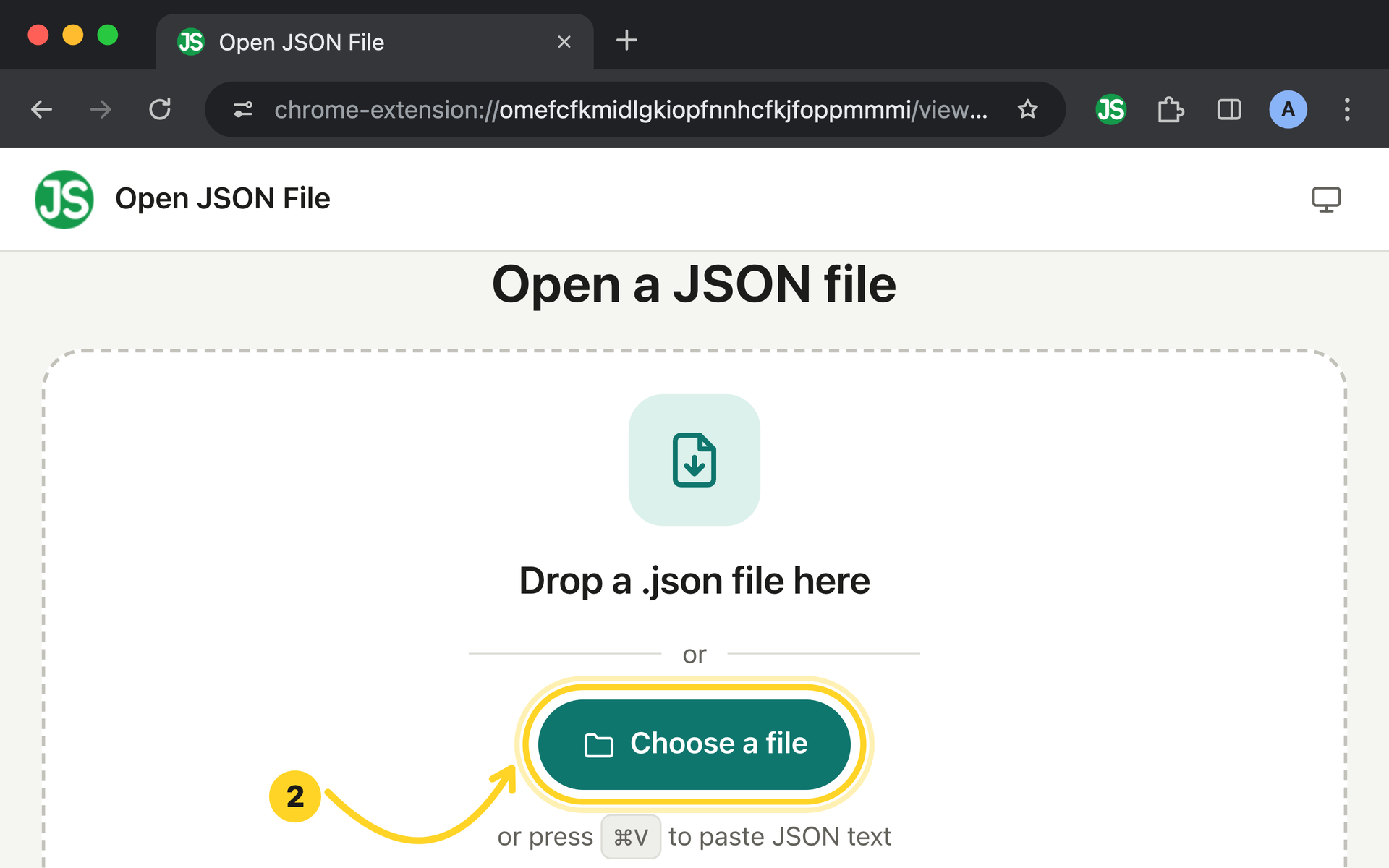
Drop a .json file onto the page, or click Choose a file.
-
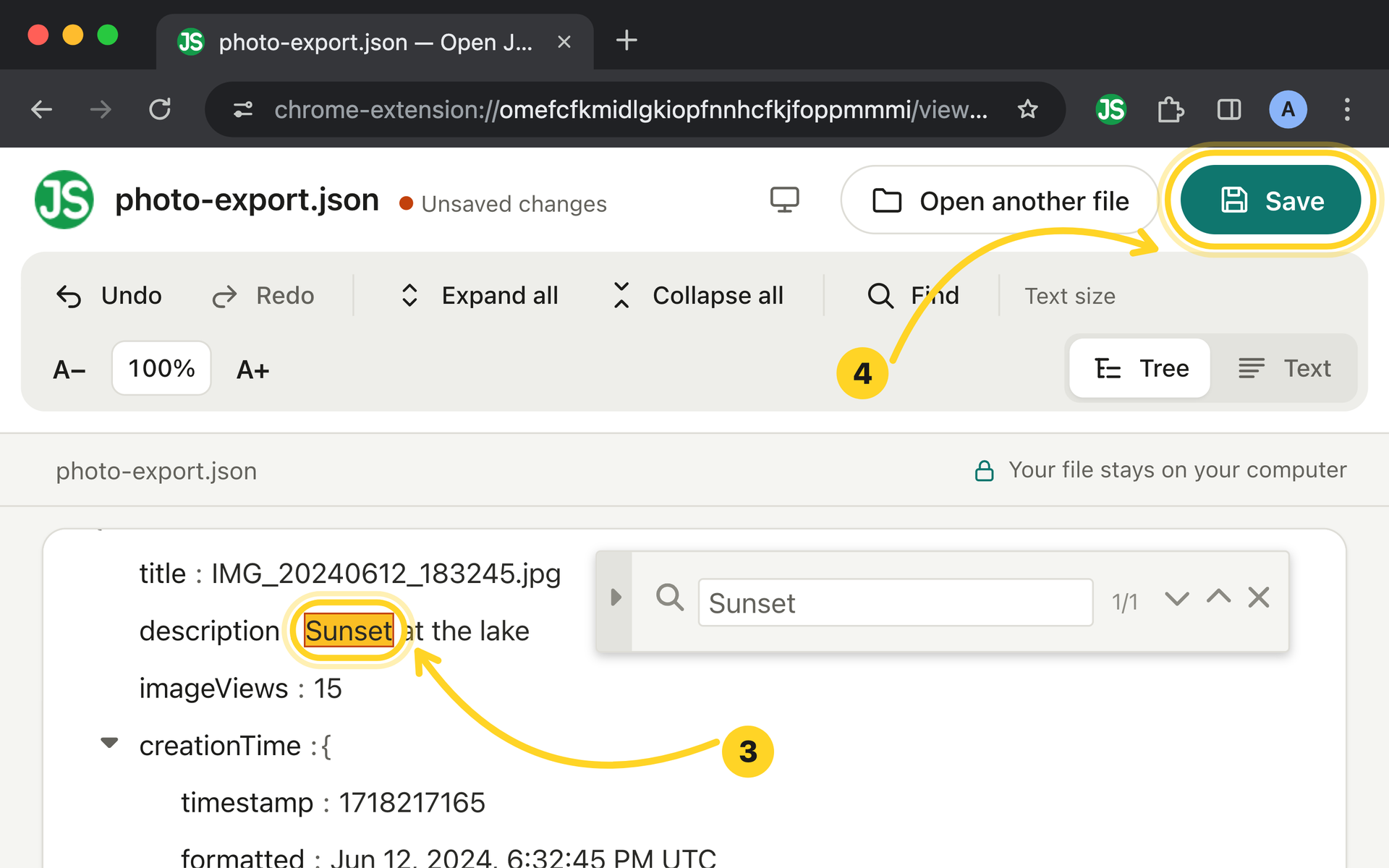
Find a value and edit it right in the tree.
Click Save to write your changes back to the file.